




Understand performance trends
Follow the evolution of your metrics and identify what deserves attention.



LEADWAYS DATA ANALYST

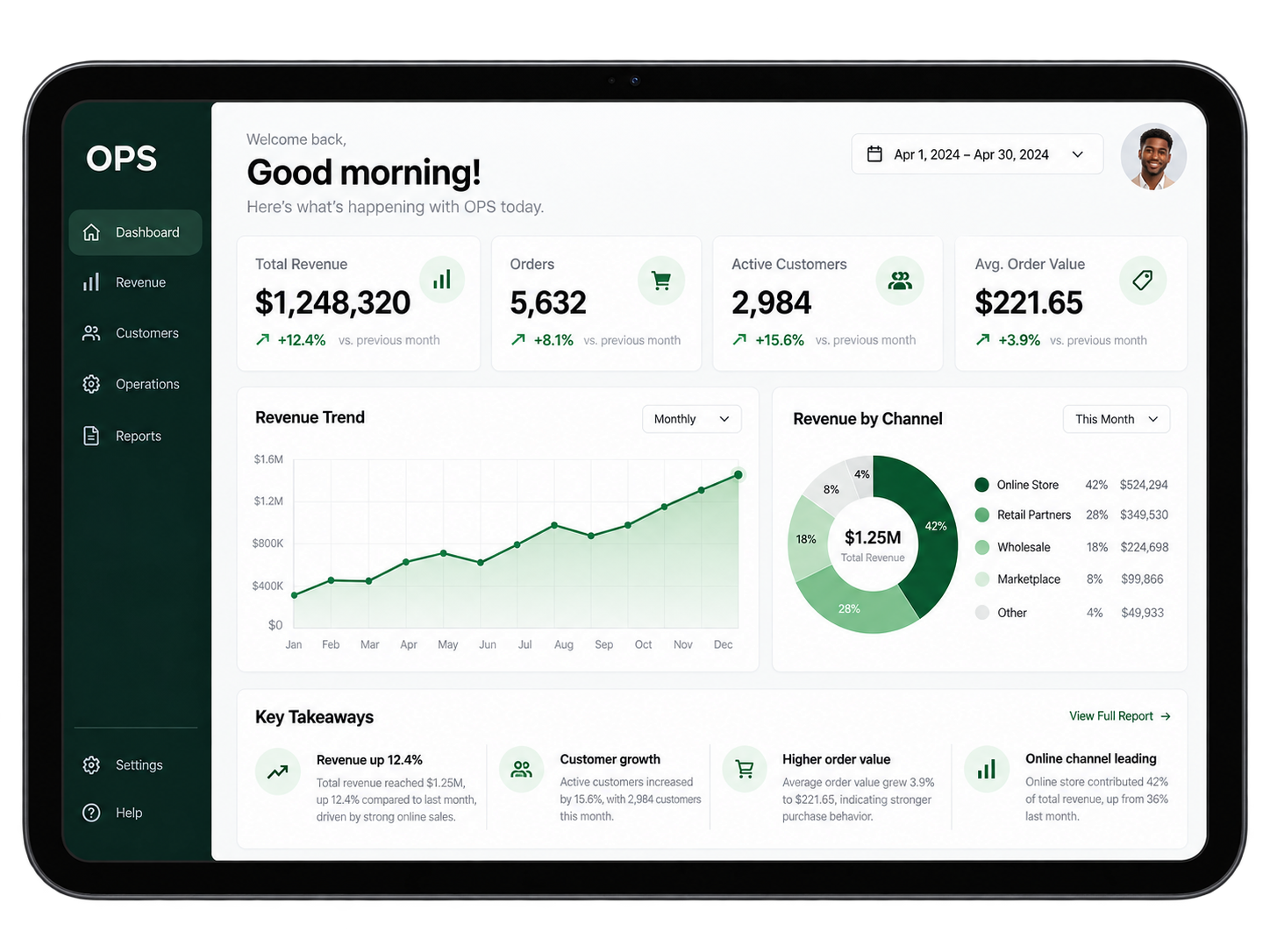
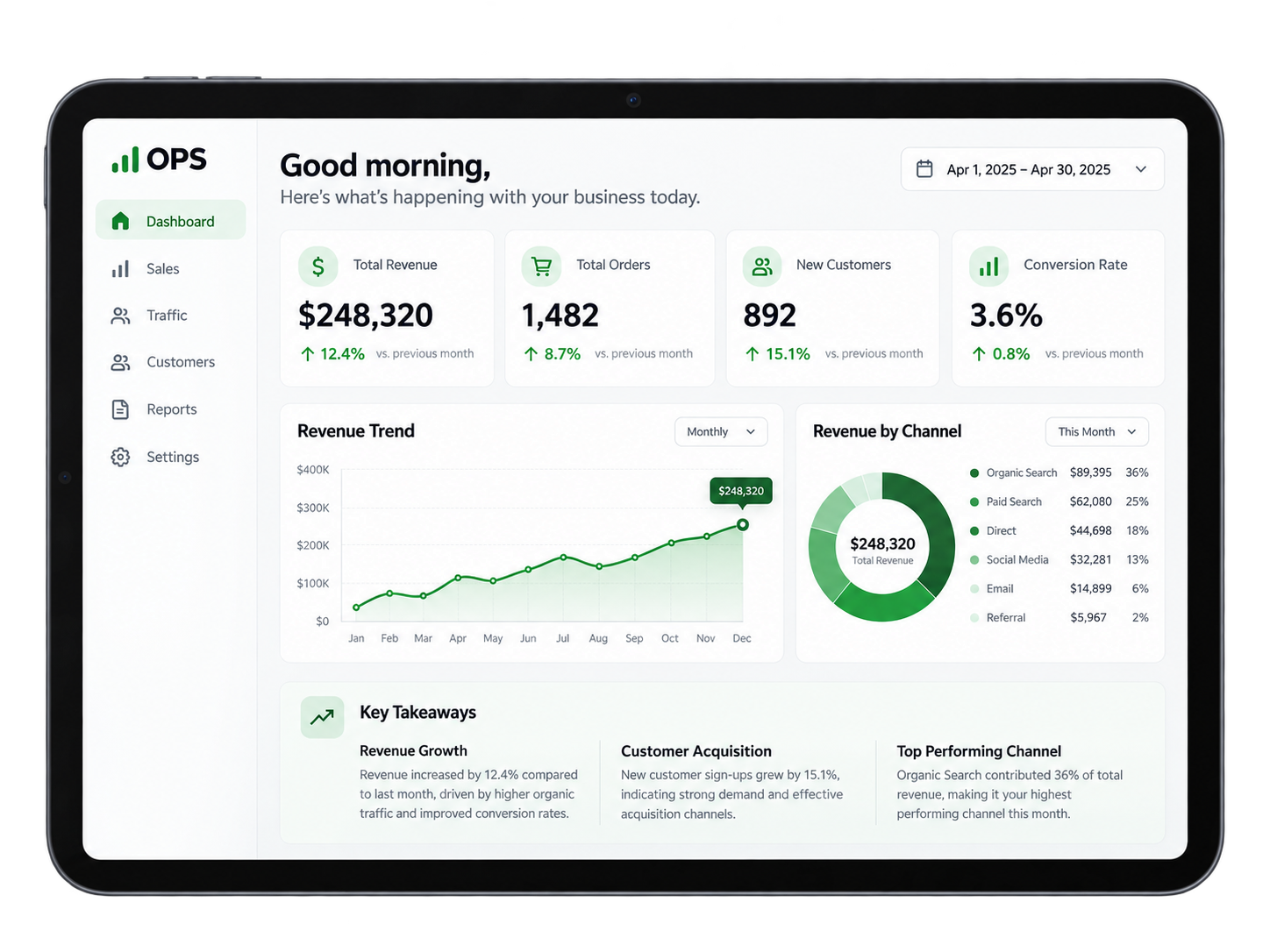
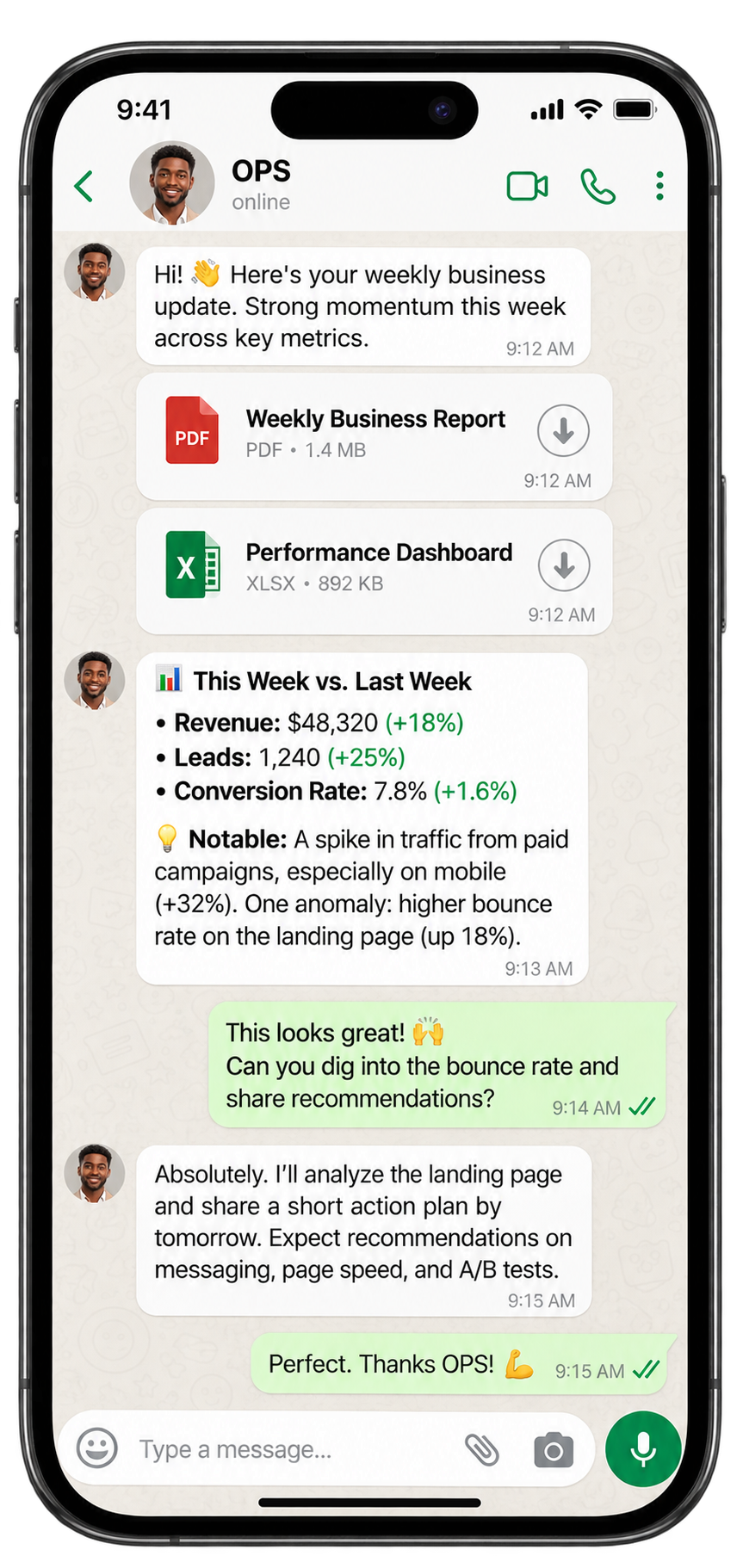
OPS compares performance over time, detects anomalies and turns raw data into useful insights. Understand what changed, investigate why and explore what could happen next.
Get OPS →What OPS handles
Follow the evolution of your metrics and identify what deserves attention.
Read periods side by side, with consistent definitions and useful context.

Surface unusual movements and investigate data quality before drawing conclusions.

Build forecasts with explicit assumptions, uncertainty and business context.

USE CASES
Illustrative examples. Connected tools and available actions depend on your setup.
OPS capabilities
Track how key metrics evolve across comparable periods.
Compare like-for-like windows and identify the main changes.
Keep calculations and business definitions explicit.
Flag unusual movements and investigate their source.

Separate exceptional observations from the wider pattern.
Check missing fields, consistency and source quality.

Explore possible outcomes with visible assumptions.
Understand which segments contribute to the result.
Turn findings into a brief your team can review.
Bring evidence and context into the next strategic decision.

After the work
The scattered numbers become a readable report, a shared performance view and a clear next action.
OPS brings the findings, source context and recommended checks together, so the next action follows from the evidence.

Review trends, period comparisons, anomalies and forecast scenarios without losing sight of assumptions or data limitations.
Across your tools
Connected context
Bring relevant documents and business information into Leadways AI Brain. Define the tools and permissions for OPS during setup.

Specialist handoff
A request outside OPS’s scope is redirected to the relevant Leadways specialist, with the useful context carried forward.

Leadways AI Brain
Leadways has its own AI Brain: a shared foundation to create and organise the context your agents use. Adapt it to your company, update the information and define what each specialist can access.
Control and handoff
Define sources, connected tools, permitted actions and review steps before starting.
| OPSLeadways | Generic AI chatbot | Manual analysis | |
|---|---|---|---|
| Uses your metric definitions and business context | ✓ | ✕ | ✓ |
| Compares performance across periods | ✓ | ✕ | ✓ |
| Summarises results for review | ✓ | ✓ | ✓ |
| Flags anomalies and possible outliers | ✓ | ✕ | ✓ |
| Explores forecasts with stated assumptions | ✓ | ✓ | ✓ |
| Carries context to the next specialist | ✓ | ✕ | ✕ |
Typical capabilities shown. Connected sources, permissions and review steps depend on your setup.
OPS FAQ
Business performance data made available in your setup. Metric definitions, data sources and analysis scope are agreed before use.
Yes. OPS compares metrics over time and explains changes using the available business context.
Unusual observations are flagged for review. A flag is a signal to investigate, rather than proof of a business problem.
No. Forecasts describe possible outcomes under stated assumptions. Data quality and uncertainty remain visible.
OPS supports decisions with analysis and insights. Your team assesses the evidence and chooses the action.
OPS redirects the request to the relevant agent: IRIS for reception, MAX for sales, ARIA for marketing, OPS for data or CORE for recruitment support.
Leadways Team

Answers customer calls, understands the request and moves it to the right next step.
Discover IRIS →
Researches prospects, qualifies companies and prepares follow-ups for your approval.
Discover MAX →
Turns business context into briefs, content plans and coordinated marketing work.
Discover ARIA →
Organises job descriptions, resumes and interview notes into hiring context.
Discover CORE →See OPS in your workflow
Show us how the work happens today. We will map a first workflow for OPS, define the useful context and agree the actions and controls.
Book a discovery call →